Gaming laptops with the best battery life — in-stock options Pakistan (October 2026)
By the Pixlaps team - Updated 2026-10-05
Key takeaways
- OKGaming laptops still prioritise performance; for longer unplugged runtime prioritise larger battery capacity (Wh), energy-efficient CPU classes, and models that can switch to integrated graphics or use eco power profiles.
- OKDisplay choices (resolution, refresh rate and peak brightness) and keyboard lighting are quick, effective ways to improve runtime—lower refresh rate, reduce brightness, and disable RGB when unplugged.
- OKCheck each product page for battery Wh and charger wattage; when buying used request a recent battery-health report and diagnostics before completing the purchase.
- OKSlimmer ‘gaming’ lines that use efficient mobile CPUs (U/HS-class or Ultra-series) and sensible power profiles often deliver noticeably better non-gaming endurance than thick, full-power desktop-replacement chassis.
- OKThis shortlist uses the snapshot’s in-stock catalogue so you can click through to live listings for exact battery, charger and diagnostics details.
Setting realistic expectations for battery life in gaming laptops
Gaming laptops are engineered for sustained CPU and GPU output, so battery runtimes during gaming are much shorter than on ultrabooks; expect significantly reduced unplugged playtime compared with light productivity use. Manufacturers optimise for peak frame rates, not long battery durations, so use power-saving modes if you need endurance.
For everyday tasks—email, documents, video streaming—many gaming models can still provide useful multi-hour runtimes if you switch to integrated graphics, enable conservative power profiles, reduce refresh rate, and lower screen brightness. Exact runtime varies by model, battery capacity and whether the discrete GPU is active.
Which hardware choices most affect unplugged runtime
Battery capacity in watt-hours is the single best indicator of potential runtime—always look for the Wh figure on product pages rather than inferring from chassis size. When Wh is not shown, compare models by CPU family and chassis type for a rough idea.
CPU class and GPU behaviour matter: efficient U/HS-class or Ultra-series mobile CPUs and chips that support GPU switching will extend non-gaming battery life. Conversely, high-power HX/H-class CPUs and high-TGP GPUs drain battery much faster even at moderate loads.
Display, refresh rate and brightness: quick wins for longer runtime
High-resolution and high-refresh displays consume more power; if battery runtime is a priority prefer lower refresh rates or adaptive/variable refresh panels and cap brightness. Dropping from 144Hz/240Hz to 60Hz or enabling dynamic refresh scaling often yields larger runtime gains than small CPU tweaks.
Also disable per-key RGB lighting and any unnecessary background apps. These adjustments are reversible, so you can regain full gaming performance when you plug in.
Charging behaviour and practical day-to-day advice
Charger wattage determines how fast a large battery tops up—check the product page for the bundled adapter and whether the model supports higher-wattage USB-C PD charging for light use. Many gaming machines still require the bundled AC adapter for full-power gaming.
When you travel with a gaming laptop, carry the supplied adapter for maximum performance; for meetings or light work a compact USB-C PD charger or power bank can extend usable time but may not sustain peak gaming.
Buying used or open-box units: what to verify
Request a recent battery-health report that shows current full-charge capacity versus design capacity and the reported cycle count; these numbers indicate remaining usable battery life more reliably than age alone.
Ask for a vendor diagnostics report confirming there are no charging faults and that the battery holds charge under light loads. If the listing lacks these details, request them before you finalise a purchase.
How this shortlist was selected
This page was refreshed from the current catalogue snapshot and lists in-stock gaming laptops in Pakistan at the time of the snapshot. Selection emphasises gaming models that are commonly offered in slimmer configurations or with efficient mobile CPUs—these traits tend to correlate with better non-gaming battery endurance.
Because the snapshot’s product pages may omit explicit Wh or charger-wattage figures, this shortlist focuses on in-stock models and their current asking prices so you can open each listing for precise battery and power-mode details.
Frequently Asked Questions
Will any gaming laptop last a full workday on battery?
Not usually while gaming. For light tasks some gaming models can reach multiple hours if you enable power-saving settings, use integrated graphics and reduce brightness; exact runtime depends on battery capacity and CPU/GPU power use.
Can USB-C charging sustain gaming?
Most full-power gaming sessions require the manufacturer’s AC adapter. USB-C PD chargers can top up or sustain light workloads on some models but often cannot supply sufficient wattage for sustained high CPU/GPU loads—check the product page for supported PD wattage.
What should I ask the seller for when buying a used gaming laptop?
Ask for a recent battery-health report showing current full-charge capacity versus original design capacity, the number of charge cycles, and a recent diagnostics test confirming the charger and battery perform normally.
Does a higher refresh-rate screen always reduce battery life?
Higher refresh rates typically increase power draw, so reducing the refresh rate or using adaptive refresh when on battery will usually extend runtime. The impact varies by panel and system power management.
Are slimmer gaming laptops better for battery life?
Not automatically, but many slim gaming lines pair efficient processors with conservative thermal and power designs that improve non-gaming endurance compared with thick desktop-replacement models. Always verify battery Wh and power profiles rather than judging by thickness alone.
What immediate settings give the biggest runtime gains?
Lower display brightness, switch to integrated graphics for light tasks, cap refresh rate, enable the OS or vendor ‘eco’ power profile, and turn off RGB lighting and background apps. These yield noticeable improvements without hardware changes.
In-stock gaming laptops from the snapshot
Live prices and in-stock status are from the catalogue snapshot.
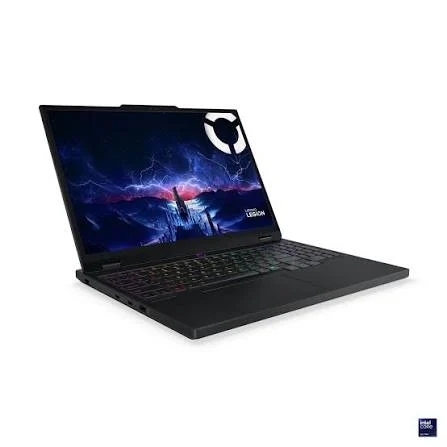

 UsedIn Stock

 UsedIn Stock
 UsedIn Stock
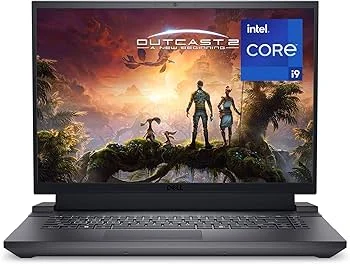 UsedIn Stock
 UsedIn Stock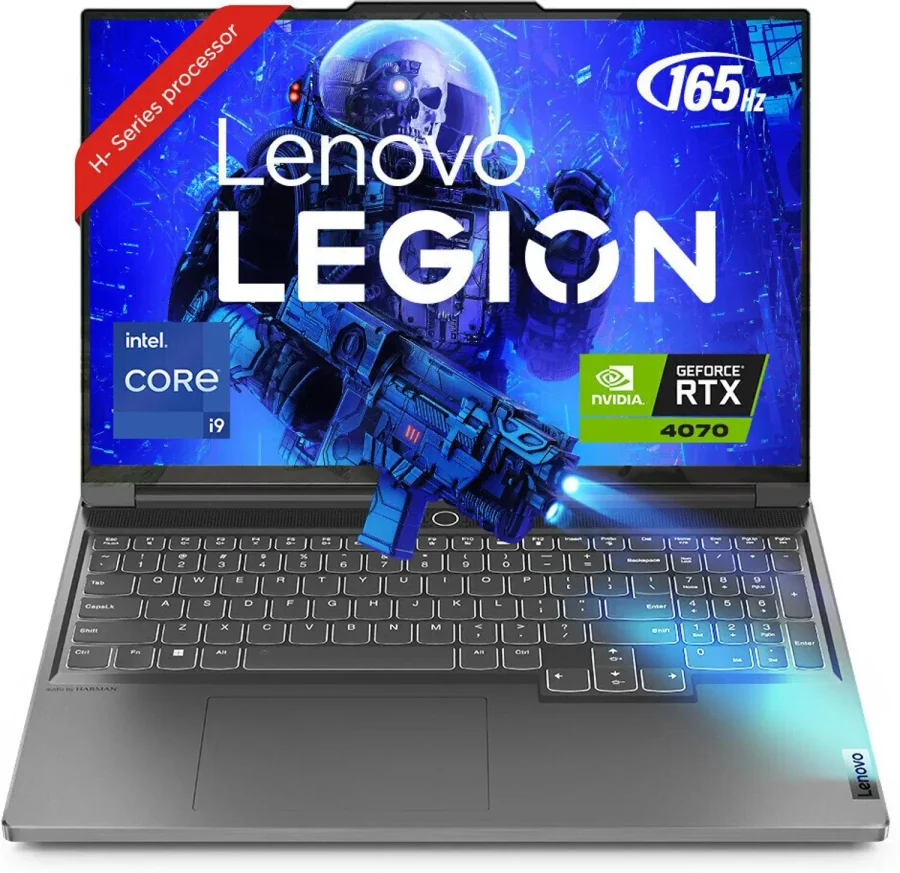

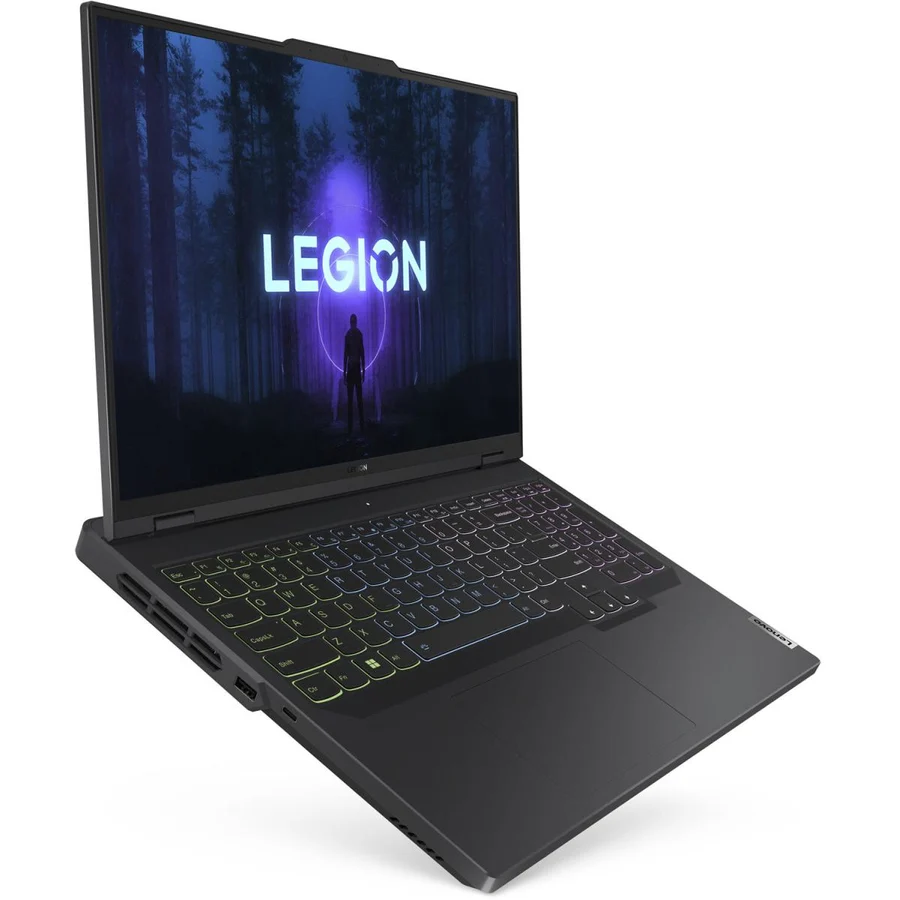
Browse related categories
Final recommendation
If battery life is your top priority, prioritise models whose product pages list battery Wh and charger wattage, choose efficient CPU families and confirm GPU-switching or eco power profiles. Use the in-stock listings above to open each product page and verify the exact battery figures and any vendor diagnostics for used units before buying.
Delivery across Pakistan and the site’s return policy are shown on each product page; confirm those details on the listing you choose.