Top Ray-Tracing (RTX) Gaming Laptops In Stock — Pakistan (October 2026)
By the Pixlaps team - Updated 2026-10-05
Key takeaways
- OKThis list uses the current snapshot to show SKUs in the gaming-laptops category that were inStock at capture time — confirm the live product page before ordering.
- OKVRAM matters: snapshot SKUs include 6GB, 8GB and 16GB GPU variants; pick 8GB+ for heavier ray-traced settings or QHD workloads.
- OKPanel choice and refresh rate must match GPU capability — many snapshot SKUs pair FHD 120–165Hz or QHD 165–240Hz displays with different RTX tiers.
- OKThin chassis trade-offs: several slim models in the snapshot use RTX 4060/4070 but may reduce sustained ray-trace performance versus thicker desktop-replacement designs due to thermals.
- OKAlways verify the exact SKU title on the product page for GPU model, VRAM, panel resolution/Hz, RAM and SSD; snapshot inStock is a point-in-time indicator, not a live guarantee.
How this refreshed list was created
This page is refreshed from the catalogue snapshot taken at the stated snapshot time and includes only entries classified in the gaming-laptops category with inStock true. It aims to represent different buyer priorities: portable high-performance, desktop replacement, mid-range value and compact portability.
Use the product page linked from the category to confirm live availability, current price and the SKU's full spec sheet — the snapshot captures a moment in time and availability or pricing can change after the snapshot.
Quick primer: which RTX level for your ray-tracing goal
Competitive fast multiplayer with ray-tracing benefits from a balance of frame-rate and visuals; pair an RTX 3060/4060-class SKU with a high-refresh FHD panel for the best responsiveness. Several snapshot SKUs with RTX 4060 and FHD/QHD panels fit this category.
For single-player AAA games with heavier ray-traced effects, favour RTX 4070-class SKUs and larger VRAM where available; the snapshot includes RTX 4070 8GB and a model with 16GB VRAM suitable for higher-resolution textures and QHD gaming.
If portability and mixed workloads are important, choose slimmer RTX 4060–4070 machines but check thermal and factory performance claims since thin chassis commonly reduce sustained GPU wattage under heavy ray-traced loads.
What to verify on each product page
Confirm the exact GPU label and VRAM in the SKU title or spec sheet — the snapshot shows RTX 3060 (6GB), RTX 4060/4070 (8GB) and at least one RTX 4070 SKU listing 16GB VRAM. VRAM affects texture pools and ray-trace buffer headroom.
Match panel resolution and refresh rate to the GPU: the snapshot contains FHD 120–165Hz and QHD 165–240Hz panels across SKUs. Don’t expect high ray-traced frame-rates on a QHD 240Hz panel with a lower-tier GPU.
Ask for TGP or factory performance mode details if sustained ray tracing matters; if wattage figures are not provided, prioritise thicker-chassis or models that advertise enhanced cooling for longer sustained performance.
Portable high-performance picks from the snapshot
Lenovo Legion Slim 7 16irh8 (i9-13900H, RTX 4070 8GB, 16GB DDR5, 1TB NVMe) is listed in stock and is a strong portable choice for QHD ray tracing with a high-end CPU to reduce CPU bottlenecks.
Lenovo Legion Slim 7 16 16aph8 (Ryzen 7840HS, RTX 4060 8GB, 16GB DDR5, 1TB NVMe, QHD 165Hz) appears in stock and is a slimmer, more efficient option for 1080p or moderate QHD ray tracing; verify cooling/TGP because thin designs may throttle under prolonged load.
Desktop-replacement and high-fidelity picks in stock
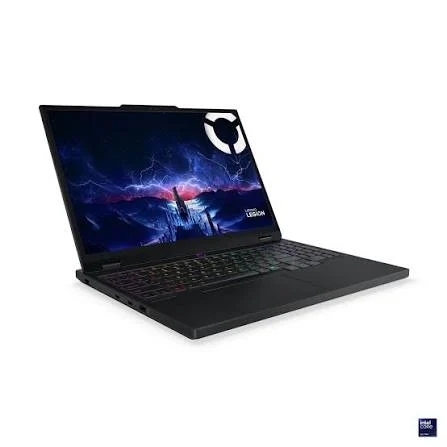
Lenovo Legion 5 16irx9 (i7-14650HX, RTX 4070 8GB, QHD 165Hz) is in stock in the snapshot and pairs a potent CPU with a QHD panel suited for higher-fidelity ray tracing.
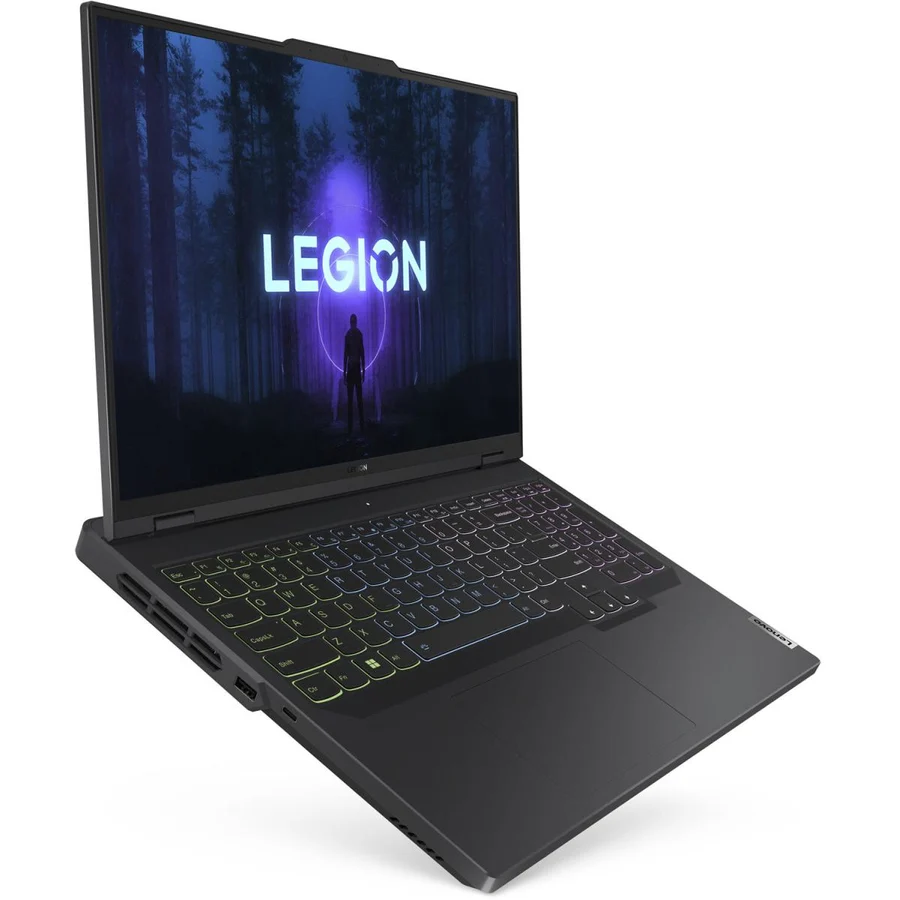
Lenovo Legion 5 Pro Gen 8 82WM (Ryzen 7 7745HX, RTX 4070 16GB DDR5, 1TB NVMe, QHD 165Hz) is in stock and notable for its 16GB GPU VRAM listing in the snapshot — that larger VRAM pool helps with very high settings, large texture packs and QHD workloads. Confirm the VRAM on the product page before purchase.
Value and mid-range snapshot picks
ACER PREDATOR HELIOS NEO 16 PHN16-72 (i7-14650HX, RTX 4060 8GB, 16GB DDR5, 1TB NVMe, 1200p 165Hz) is listed in stock and represents a mid-range balance for 1080p and moderate QHD ray tracing.
MSI Cyborg 15 A12v (i7-12650H, RTX 4060 8GB, 16GB DDR5, 512GB NVMe, 1080p 144Hz) appears in stock and is another solid mid-range option; compare panel refresh and thermals between models to determine which yields higher sustained frame-rates.
RTX-equipped laptops in stock (snapshot)
Listings and prices are from the snapshot; confirm the product page for live availability and full specs.

 UsedIn Stock

 UsedIn Stock
 UsedIn Stock
 UsedIn Stock
 UsedIn Stock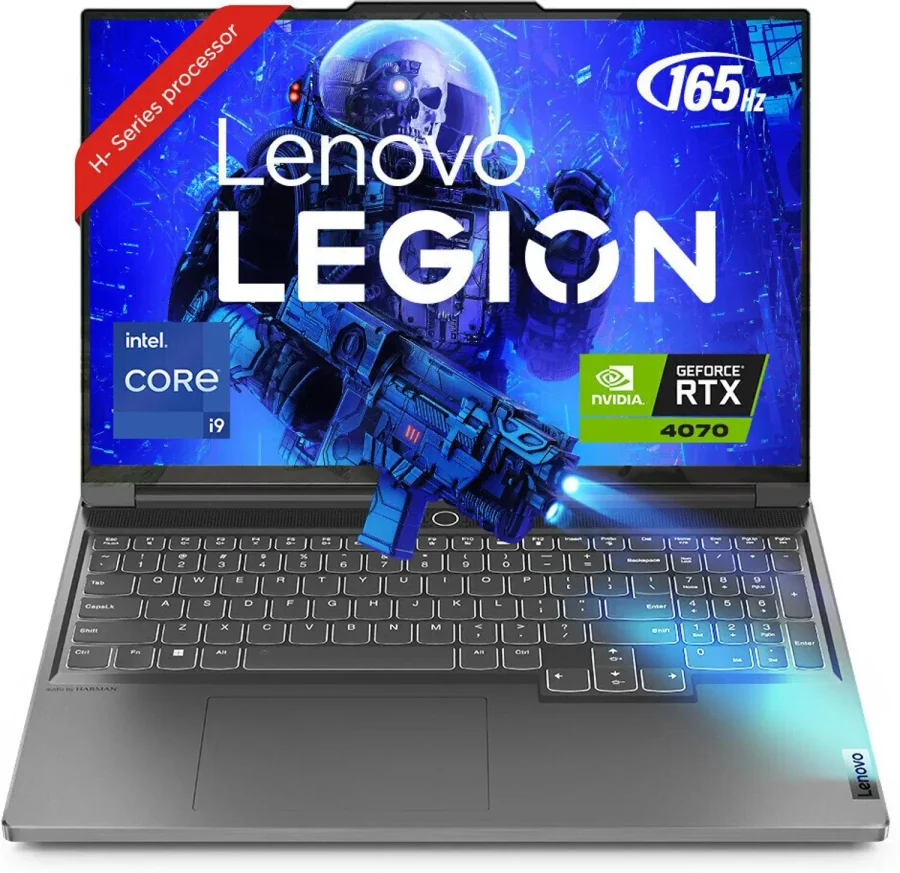

Compact and portable RTX options from the snapshot
Asus ROG Zephyrus G14 GA401QM appears in the snapshot with an RTX 3060 6GB and a high-RAM SKU; the G14 is a strong compact pick where portability matters more than maximum ray-trace headroom.
Smaller premium models can be convenient for travel, but expect thicker desktop-replacement machines to outperform them in sustained ray tracing due to better cooling and higher sustained GPU wattage.
Practical pre-checklist before checkout
From the product page confirm exact GPU model and VRAM, CPU model, panel resolution and refresh rate, RAM and SSD size, the live inStock flag, and seller warranty statements — the snapshot shows multiple inStock true SKUs but live pages are definitive.
If you plan long ray-traced sessions, ask the seller whether the SKU ships with a factory performance mode and for any published TGP figures; prioritise thicker-chassis designs or models that advertise enhanced cooling for sustained performance.
Frequently Asked Questions
Which snapshot SKUs are best if I want QHD ray tracing with large textures?
Choose RTX 4070-class SKUs and the SKU that lists 16GB VRAM in its title from the snapshot. The Lenovo Legion 5 Pro Gen 8 82WM listing in the snapshot identifies RTX 4070 with 16GB VRAM, which is beneficial for large textures and QHD workloads — always confirm the VRAM on the live product page.
Are RTX 3060 laptops in the snapshot usable for ray tracing?
Yes — RTX 3060 SKUs in the snapshot (commonly 6GB) are usable for lighter ray-traced settings at 1080p and for enabling DLSS to recover frame-rate. For heavier ray tracing or QHD, step up to 8GB+ GPU SKUs.
How important is panel refresh rate versus GPU for ray-traced gaming?
Both matter: refresh rate controls responsiveness in fast multiplayer while GPU and VRAM determine visual fidelity and frame-rate under ray tracing. Match a high-refresh FHD panel to RTX 3060/4060 for competitive play, and reserve QHD high-refresh panels for RTX 4070-class SKUs for better visuals at acceptable frame-rates.
What if a snapshot SKU I want shows out of stock now?
Snapshot availability is point-in-time. Use the gaming-laptops category product pages to search for other in-stock SKUs, check the live product page periodically, or contact the seller listed on the product page for restock information.
Does the snapshot include prices so I can budget?
Yes — the snapshot includes prices for each SKU. Use the live product page for any current promotions, exact shipping details and the final price before placing an order.