Best Gaming Laptops by Price — Choose by Budget (Pakistan)
By the Pixlaps team - Updated 2026-10-05
Key takeaways
- OKDecide your price band by the games you play: esports needs high refresh, AAA needs stronger GPU and thermals.
- OKAt entry/mid budgets prioritise GPU first, then RAM and NVMe storage; 16GB RAM and 512GB+ NVMe improve longevity.
- OKUse this snapshot’s in‑stock models to map expectations — several RTX 4060/4070 and RTX 3070 machines are currently listed.
- OKCheck upgradeability (RAM slots, extra M.2) and cooling performance; identical GPUs can perform differently between models.
- OKConfirm live storefront stock and exact price before buying; the guide lists snapshot prices where available.
How to use this guide
Pick a realistic target band based on the games you want to run and the settings you expect. Competitive esports titles favour high refresh 1080p panels, while modern AAA games benefit from stronger GPUs and higher resolution panels.
Use the model lists below to find machines that are currently in stock in the snapshot; each listed product includes the snapshot price and core configuration so you can compare value quickly. Always verify the live storefront for the latest availability and final price before committing.
Budget expectations and the snapshot reality
Entry-level bands often lack recent dedicated GPUs or have older generations; in this snapshot there are few or no in‑stock gaming laptops under the lowest bands, so plan to aim slightly higher for a usable gaming experience.
From this current snapshot you can expect realistic, in‑stock options in mid and higher bands — several models with RTX 4060, RTX 4070 and RTX 3070 GPUs are listed and marked in stock. Use these as benchmarks when shopping.
Under 150,000 PKR — realistic options and tradeoffs
Expect tradeoffs on GPU power, display refresh and storage in budgets under this mark; the snapshot shows limited in‑stock availability for this exact band. If you find a model in this range, confirm it has at least an entry‑level dedicated GPU and an upgrade path for RAM and storage.
If you must stay near this budget, prioritise a machine that allows adding 8–16GB RAM and an NVMe drive later — improving RAM and SSD will often give a bigger real‑world boost than small CPU upgrades.
150,000–200,000 PKR — budget esports and light AAA play
This band targets players who want smooth 1080p high‑refresh gameplay without moving into heavier premium machines. The snapshot contains some nearby listings that represent value choices but check live stock as availability varies.
If you can stretch to the upper end of this band, prioritise a model with 16GB RAM and an NVMe SSD to avoid immediate upgrades; a 144Hz or higher display is ideal for esports titles.
200,000–300,000 PKR — strong midrange performance
This band in the snapshot includes multiple in‑stock models with RTX 3060/3070 and RTX 4060 class GPUs and 16GB RAM, which are suitable for high settings at 1080p and good performance at higher resolutions on some titles.
Snapshot examples in this band include models with listed prices and in‑stock flags — use the product list block below to browse these picks and compare ports, thermals and upgrade options before buying.
300,000 PKR and above — high performance and premium features
Above this band you’ll see RTX 4070 class machines and premium displays (QHD, high refresh) that suit sustained AAA play and content creation workloads. The snapshot shows multiple in‑stock RTX 4070 models at these higher price points.
These machines typically have better cooling, higher sustained clocks and more premium screens; expect heavier chassis and higher cost. Choose this band if you prioritise future‑proofing and sustained performance.
Top in‑stock picks by band (snapshot)
Prices and in‑stock flags come from the snapshot; verify live stock before ordering.

 UsedIn Stock

 UsedIn Stock
 UsedIn Stock
 UsedIn Stock
 UsedIn Stock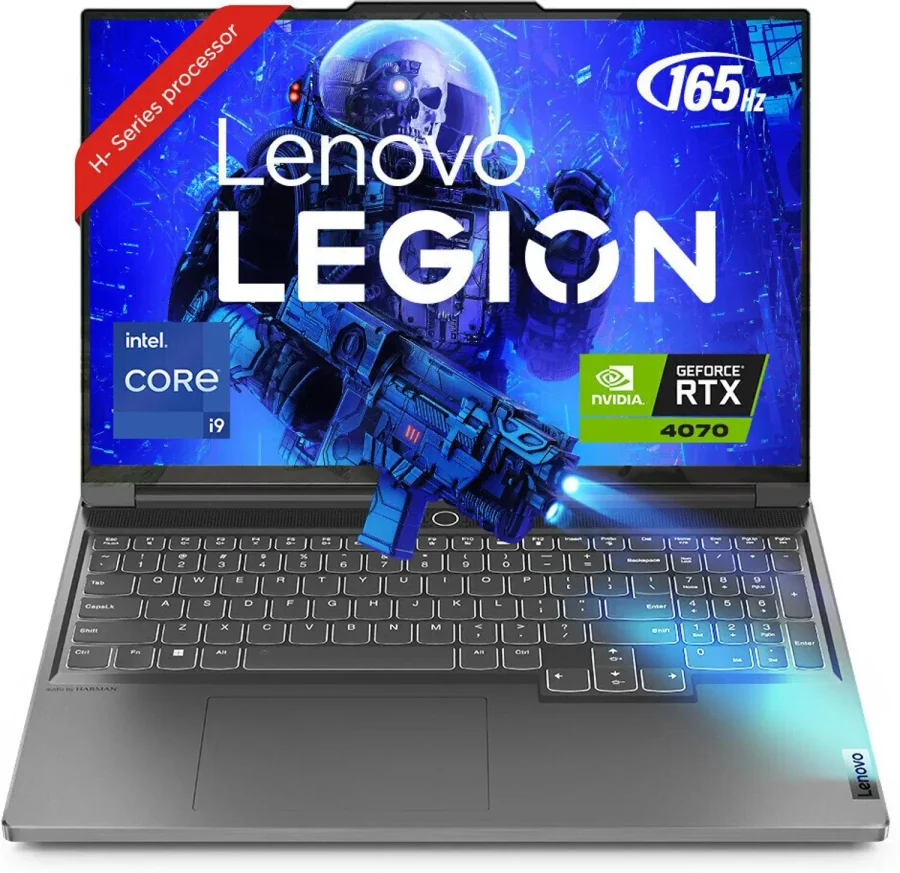

Model highlights — snapshot picks and who they suit
Lenovo Legion Slim 7 16irh8 (i9-13900H, RTX 4070, 16GB DDR5, 1TB NVMe) — snapshot price: 379,999 PKR; in stock. Suits users who want a compact chassis with high GPU performance for AAA gaming and content work.
HP OMEN 16-b0xxx (Core i7-11800H, RTX 3070, 16GB, 1TB SSD, 16.2" 165Hz) — snapshot price: 260,000 PKR; in stock. Good pick for high‑settings 1080p play and some QHD headroom without going into the largest premium machines.
MSI Cyborg 15 A12v (i7-12650H, RTX 4060 8GB, 16GB, 512GB NVMe, 1080p 144Hz) — snapshot price: 250,000 PKR; in stock. Balanced midrange option for both esports and many AAA titles at 1080p.
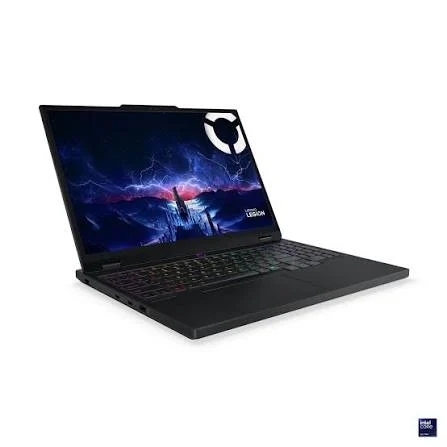
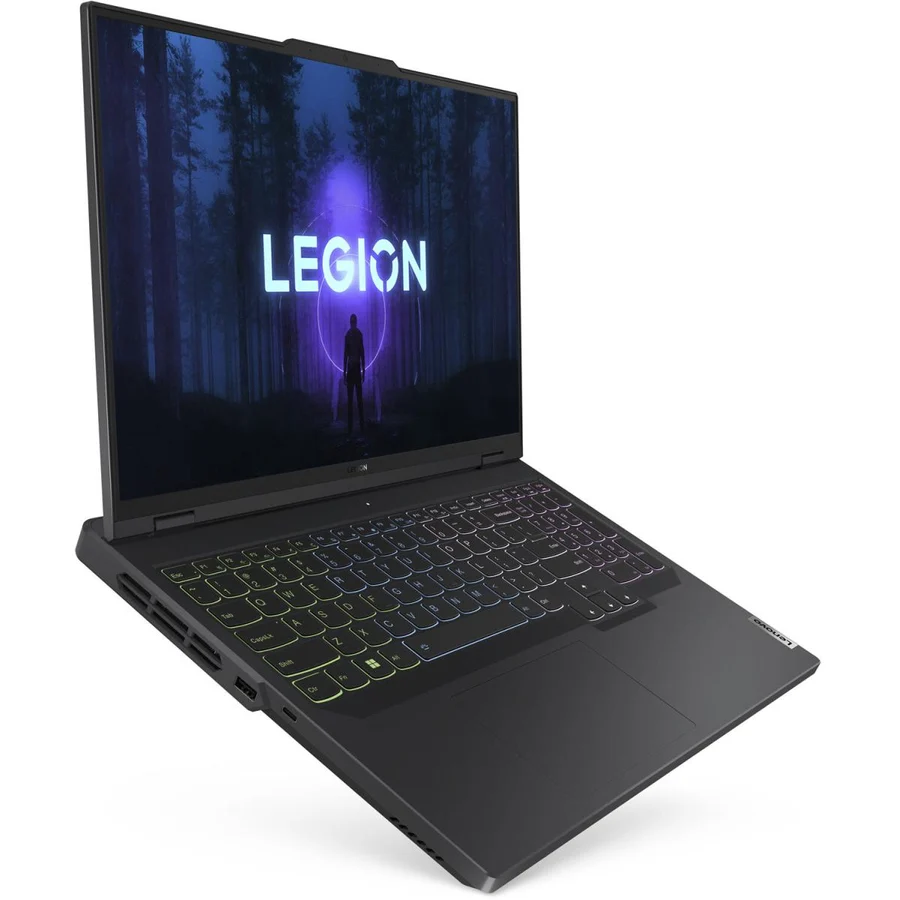
Lenovo Legion 5 Pro Gen 8 (Ryzen 7 7745HX, RTX 4070, 16GB DDR5, 1TB NVMe, QHD 165Hz) — snapshot price: 365,000 PKR; in stock. Suited for sustained high‑performance gaming and creators who need a strong GPU and a high‑quality QHD panel.
Acer Predator Helios Neo 16 PHN16-72 (i7-14650HX, RTX 4060, 16GB DDR5, 1TB NVMe, 1200p 165Hz) — snapshot price: 325,000 PKR; in stock. Good for high‑refresh 1080p gaming with solid thermals.
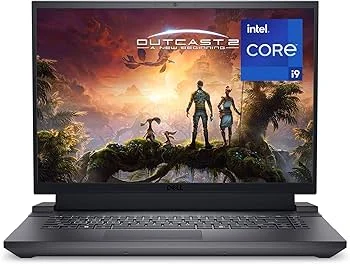
Dell G16 7630 (i9-13900HX, RTX 4070, 16GB DDR5, 1TB NVMe, QHD 240Hz) — snapshot price: 370,000 PKR; in stock. Best for high frame‑rate QHD gaming and heavy CPU‑bound tasks.
Buying checklist — what to compare for each model
GPU and sustained performance: check the exact GPU model listed and look for third‑party thermal/benchmark reviews when possible; identical GPU SKUs can yield different sustained frame rates depending on cooling and power limits.
Display: choose 1080p 144Hz+ for esports; QHD 165Hz/240Hz for higher fidelity and AAA titles. Also check panel type and response time if you care about input lag.
RAM and storage: prefer 16GB RAM and NVMe SSDs of 512GB or 1TB for convenient AAA installs and smoother multitasking; confirm whether there is a free RAM slot or extra M.2 for future upgrades.
Ports and expansion: ensure at least one USB‑C with DisplayPort/alt‑mode or Thunderbolt for external displays, plus full‑size HDMI and multiple USB Type‑A if you use peripherals. Battery and portability: expect reduced battery life under load on high‑performance machines.
Seller protections: verify the seller warranty and the 7‑day free return policy on the live storefront. Used units should show diagnostics details before purchase.
Frequently Asked Questions
Which price band is best for esports at 144Hz?
For 144Hz esports play, midrange bands with modern GPUs and 16GB RAM are ideal. Choose a laptop with a 144Hz or higher 1080p panel and a GPU that can sustain high frame rates in your title of choice.
Do I need 1TB SSD for gaming?
1TB SSDs avoid frequent juggling of large AAA installs and improve load times; 512GB can work if you plan to manage installs or add a second drive later. Confirm available M.2 slots for expansion in the model you buy.
Are QHD displays worth the extra cost?
QHD panels offer clearer visuals and pair well with RTX 3070/4070 class GPUs. For competitive esports, a high‑refresh 1080p display often delivers better value and higher sustained FPS.
How important is upgradeability?
Very—being able to add RAM or a second NVMe SSD extends a laptop’s useful life and is usually more cost‑effective than buying a higher spec up front. Check seller specs or teardown/review coverage for RAM and M.2 slot counts.
How do I check live stock and exact price?
Use the product's storefront page or category listing to confirm current availability and final price; snapshot prices here reflect the catalog snapshot and should be verified live.
What should I prioritise between CPU and GPU?
For most gaming workloads prioritise GPU first—especially for higher settings. Strong CPUs matter for esports and streaming, so balance both if you plan to stream or do CPU‑heavy tasks.
Shop category
Final recommendation
Match your band to the games and settings you want: choose high‑refresh 1080p machines for esports and stronger GPUs plus QHD panels for AAA single‑player work. Use models in the snapshot as current benchmarks, confirm live stock and price, and favour machines that allow RAM and storage upgrades for longer useful life.