Best Lightweight & Portable Gaming Laptops In Stock — Pakistan
By the Pixlaps team - Updated 2026-10-05
Key takeaways
- OKLightweight gaming laptops prioritise chassis thinness and weight over large cooling stacks, so expect better short-burst performance than sustained long-session clocks.
- OKModels marketed as ‘Slim’, Zephyrus, or small‑form-factor 14–16 inch designs are the most portable choices in the current in-stock selection.
- OKIf you regularly run long gaming sessions or heavy CPU work, prefer slightly thicker designs with larger heatsinks or budget for a low-profile cooling pad to maintain higher sustained clocks.
- OKCheck the exact in-stock configuration (CPU, GPU, RAM, storage) before buying — several current listings have RTX 4060/4070-class GPUs in slim chassis, while some older but portable options use RTX 3060/3070.
- OKUse manufacturer performance profiles and undervolting (where available) to reduce temperatures and fan noise when you need mobility; switch to ‘performance’ modes only when plugged in for the best sustained results.
Why portability forces trade-offs you should know
Portability reduces internal volume for fans, heatpipes and large batteries; manufacturers achieve thinner and lighter laptops by shrinking heatsinks or using lower‑TDP configurations, which limits sustained power delivery for the CPU and GPU.
That design choice yields good short-term framerates for competitive play, but thin chassis models commonly reduce clock speeds during long AAA sessions as temperatures rise. For buyers this means a clear decision point: prioritise mobility or sustained performance.
Which in-stock models count as ‘lightweight’ or ‘portable’ in this snapshot
Look for models explicitly positioned as slim or Zephyrus, or compact 14–16 inch designs; from the current in-stock catalog that includes Lenovo Legion Slim 7 16irh8 and Lenovo Legion Slim 7 16 16aph8, which are the brand’s thinner Legion variants.
Also consider compact mainstream models that balance portability with strong GPUs: MSI Cyborg 15 A12v, Lenovo Legion Pro 5 (Ryzen 7 7745HX, RTX 4060), and Lenovo Legion Pro 5 with RTX 4070 — these are listed in stock and offer mid‑to‑high tier graphics while remaining reasonable to carry.
Real-world expectations: thermals, noise and battery
During gaming you should expect higher fan noise and warmer chassis surfaces on thin machines compared with thicker desktop‑replacement laptops; thin designs often prioritise burst performance and accept thermal throttling under sustained load.
Battery runtime when gaming is modest on nearly all dedicated gaming laptops; slimmer models sometimes ship with more efficient CPUs but still drain quickly when running demanding titles. For best performance and battery stability, game while plugged in and use power profiles appropriately.
How to evaluate a product page for portability and sustained performance
On each product page, check whether the model is labelled Slim/Zephyrus or lists cooling features such as vapor chamber, number of heatpipes, or advanced fan designs; those details indicate how much sustained power the chassis can handle.
Compare listed CPU and GPU: an RTX 4070 or RTX 4060 in a slim Legion or Zephyrus will produce stronger short‑burst framerates than older GPUs but might thermal‑limit under long sessions—use that to set expectations. Also note RAM and storage to ensure the configuration matches your practical needs.
Practical accessories and settings to keep a slim gaming laptop comfortable
A low‑profile cooling pad that aligns with intake vents reduces surface temperatures and can modestly raise sustained clocks during long desk sessions without adding much bulk to your bag.
Use manufacturer profiles: select balanced or eco modes while mobile for lighter workloads and reserve ‘performance’/‘turbo’ modes for plugged‑in gaming. Consider undervolting (if supported) and keeping ventilation clear to lower fan noise.
Frequently Asked Questions
Are the slimmest gaming laptops good for long gaming sessions?
Slim gaming laptops can handle long sessions but will often reduce clock speeds to manage temperature; if sustained high clocks matter, choose a slightly larger chassis or use a cooling pad and plug in the laptop.
Which GPUs in the current in-stock selection are best for portable gaming?
In this snapshot, RTX 4060 and RTX 4070 configurations appear across multiple in-stock models and offer the best balance of modern performance and power efficiency for portable machines.
Should I expect lower battery life on lightweight gaming laptops?
Yes — dedicated gaming reduces battery runtime significantly. Slim designs sometimes use efficient CPUs, but gaming still drains batteries quickly; plan to game while plugged in for best performance.
How do I check a model’s thermal capability on the product listing?
Look for cooling details such as vapor chamber, heatpipe count, fan descriptions, and any vendor notes about factory power modes; also compare chassis marketing (Slim, Zephyrus) and real GPU/CPU pairings to infer thermal headroom.
If I need both portability and good sustained performance, what should I prioritise?
Prioritise slightly thicker chassis with larger cooling stacks or pick a slim model with an efficient CPU and RTX 4060/4070 if you mainly need mobility and occasional gaming; otherwise accept extra weight for better sustained clocks.
Lightweight & portable gaming laptops currently in stock
Only models marked in-stock from the current catalog snapshot are shown. Compare each product page for weight and cooling specifics.

 UsedIn Stock

 UsedIn Stock
 UsedIn Stock
 UsedIn Stock
 UsedIn Stock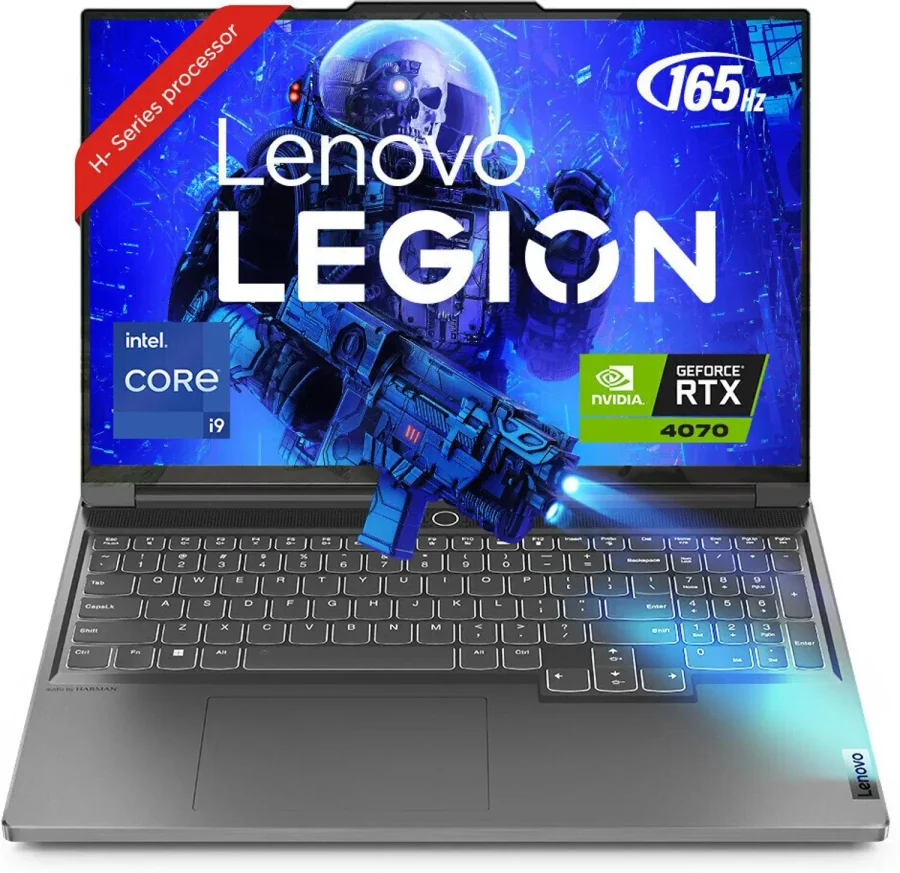

Short model notes — who each in-stock model suits
Lenovo Legion Slim 7 16irh8 (i9-13900H, RTX 4070): a thin Legion aimed at buyers who want very strong short‑burst GPU and CPU performance in a slimmer chassis; expect thermal limits during long, sustained workloads.
Lenovo Legion Slim 7 16 (Ryzen 7840HS, RTX 4060): a slimmer Legion option that trades some peak CPU power for efficiency and portability, useful for buyers prioritising battery efficiency and mobility with capable graphics.
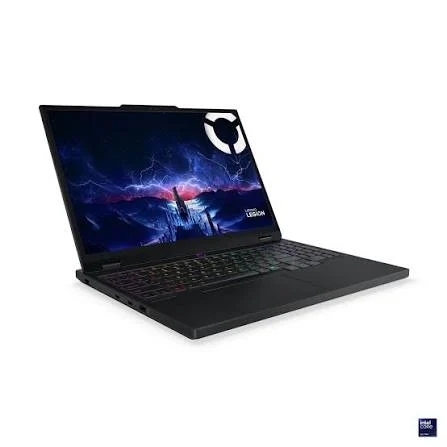
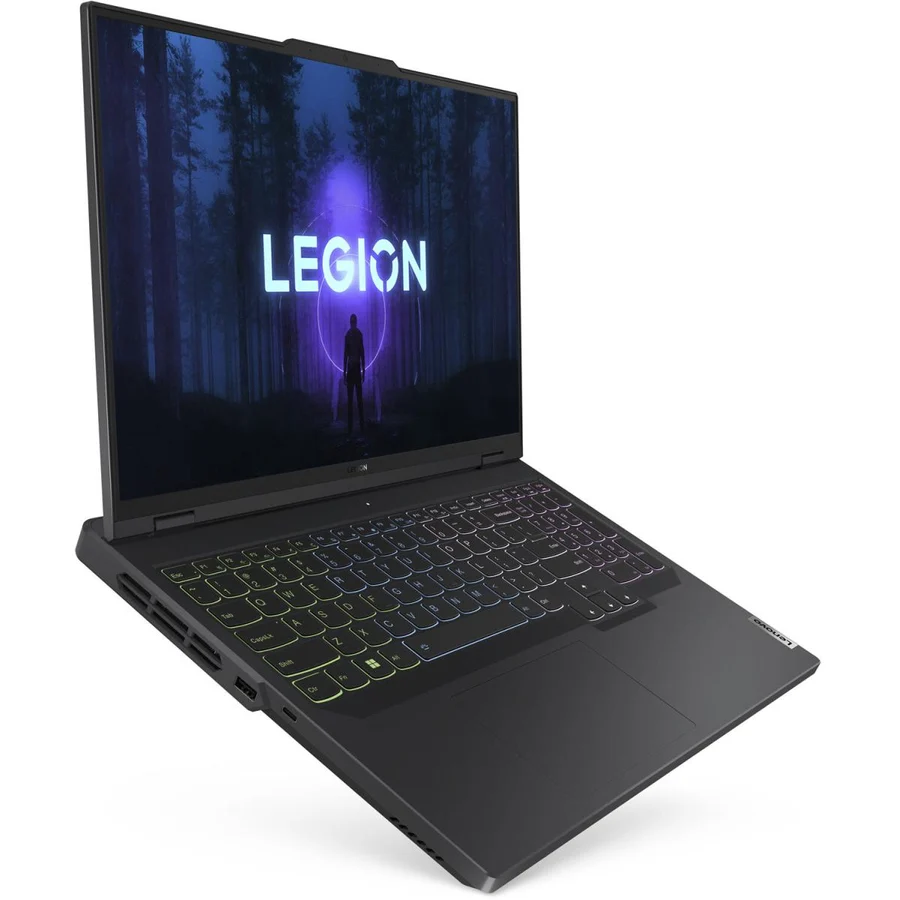
Lenovo Legion Pro 5 (Ryzen 7 7745HX, RTX 4060): a balanced pick that aims to combine portable dimensions with stronger sustained performance because of the Pro cooling and higher‑end CPU.
Lenovo Legion Pro 5 (Ryzen 7 7745HX, RTX 4070): the higher‑GPU option in the Pro lineup for users who want closer-to-desktop GPU performance while staying in a reasonably portable chassis.
MSI Cyborg 15 A12v (i7-12650H, RTX 4060): a midweight portable gaming laptop that delivers modern performance for students and casual streamers who need a balance of mobility and capability.
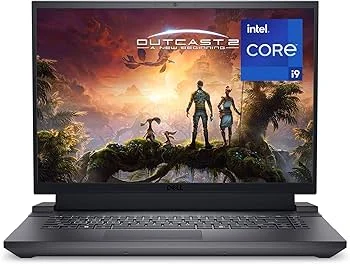
Dell G16 7630 (i9-13900HX, RTX 4070): a compact 16‑inch gaming option with strong components; suitable when you want high performance but still reasonable transportability.
ACER PREDATOR HELIOS NEO 16 PHN16-72 (i7-14650HX, RTX 4060): Predator thermal design in a compact footprint, for buyers who want stronger sustained clocks while keeping the laptop reasonably portable.
HP OMEN 16-b0xxx (i7-11800H, RTX 3070): an older-generation but capable configuration offering value and decent portability for students prioritising budget and performance.
Final guidance
If top portability is your priority, pick models explicitly marketed as Slim or Zephyrus and be prepared to manage thermal limits with a cooling pad and power‑profile discipline. If you need steady high performance for long sessions, accept a slightly heavier chassis with larger cooling.
Use the in-stock product list above to open each product page and confirm the exact CPU, GPU, RAM and storage configuration before purchase; select based on whether you prioritise peak short-session framerates, battery life between charges, or the lightest possible carry.