Best High-Refresh Gaming Laptops (144Hz / 240Hz) In Stock — Pakistan
By the Pixlaps team - Updated 2026-09-14
Key takeaways
- OKHigh-refresh panels improve responsiveness and perceived smoothness when the GPU can deliver similar frame rates; pick refresh to match the games you play.
- OKThe current snapshot shows in-stock models across 144Hz, 165Hz and some 240Hz listings, but availability varies by model — verify live stock before ordering.
- OK144Hz suits competitive esports on mid-range GPUs; 165Hz (often QHD) is a balanced choice for visual fidelity plus smoothness; 240Hz is for top-tier GPUs and maximum responsiveness.
- OKPanel options can vary for the same model — always confirm the exact panel (FHD/QHD/WQXGA and Hz) on the product page or ask the seller to avoid surprises.
- OKThermals, GPU capability and resolution determine whether a high-refresh panel will be useful in practice; prioritise laptops with stronger GPUs for QHD/240Hz screens.
Why refresh rate matters and what to expect in real use
Refresh rate dictates how often the display updates per second; in gaming higher Hz reduces motion blur and improves input feel when your GPU keeps up with the panel. That difference is most noticeable in fast-paced competitive shooters and matchmaking scenarios where every frame counts.
For everyday tasks — scrolling, window movement and UI animations — higher refresh also makes the laptop feel smoother. However, higher-refresh panels often appear in machines with more powerful internals and can cost more or draw more power; decide whether smoother motion or battery life and price are your priority.
Choosing between 144Hz, 165Hz and 240Hz
Pick 144Hz if you play esports titles on settings tuned for high frame rates; many budget and mid-range gaming laptops in the snapshot list 144Hz panels paired with mid-range GPUs that can sustain high FPS at FHD.
Choose 165Hz when you want improved smoothness plus better visual fidelity — several listings in the snapshot advertise QHD 165Hz panels that pair well with GPUs capable of higher-detail gaming without losing the refresh benefit.
Reserve 240Hz for when you have a top-tier GPU and prioritise peak responsiveness. The snapshot includes high-refresh 240Hz listings historically targeted at very high FPS scenarios, but these models are less common and may be out of stock — confirm availability.
How panel resolution changes the GPU requirement
Higher resolution at the same refresh magnifies GPU load: QHD at 165Hz requires significantly more rendering power than FHD at 165Hz. If you want high frame rates at QHD, prioritise GPUs from the stronger mid-to-high tiers in the listings.
For FHD 144Hz/165Hz, mid-range GPUs can often sustain competitive framerates with settings adjusted. For QHD 165Hz or WQXGA/240Hz, prefer configurations with RTX 4060, RTX 4070 or higher as shown in several snapshot items.
Verifying the exact panel and configuration before buying
Manufacturers sometimes ship the same chassis with multiple panel variants. The snapshot reflects the panel noted in product titles at the time it was taken, but the live product page may offer alternate panels — always check the product’s listed resolution and refresh statements (for example “FHD 144Hz” or “QHD 165Hz”).
If the product page lacks explicit panel details, request confirmation from the seller. For peace of mind, compare the product’s rich title and spec table to the snapshot entries below; treat the snapshot as a guide, not a guarantee.
Thermals, sustained performance and practical tips
Sustaining high frame rates stresses CPU and GPU and depends on cooling. Look for models with larger heat pipes, good airflow, and vendor notes about sustained boost if you plan long sessions. Where possible, read or request thermal and sustained-FPS information for the exact SKU.
Also check power profiles and battery behaviour: many gaming laptops will downclock on battery and run the panel at lower refresh to conserve energy. If portability and battery life are priorities, factor that into your choice rather than buying the highest refresh by default.
How we filtered the snapshot and structured the listings
We used the supplied catalog snapshot and included only products in the gaming-laptops category that explicitly mention 144Hz or higher in their listing titles and were shown as in stock in the snapshot.
Listings below are grouped by panel refresh as indicated in product titles (240Hz, 165Hz, 144Hz). Each entry shows the model name, key CPU/GPU pairing when available in the title, and live snapshot price and inStock flag — always verify the live product page for current stock and full specs.
In-stock 240Hz laptops
Only models with 240Hz in the snapshot and marked inStock are shown.
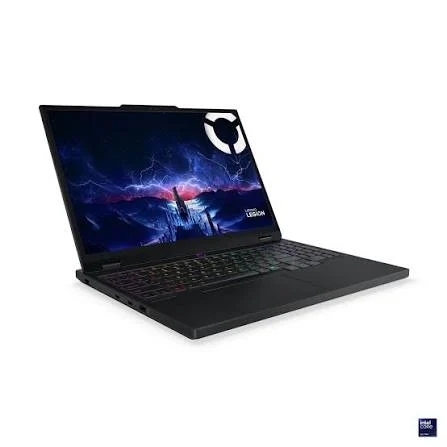

 UsedIn Stock

 UsedIn Stock
 UsedIn Stock
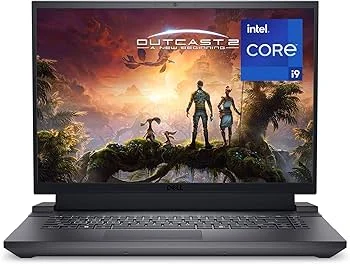 UsedIn Stock
 UsedIn Stock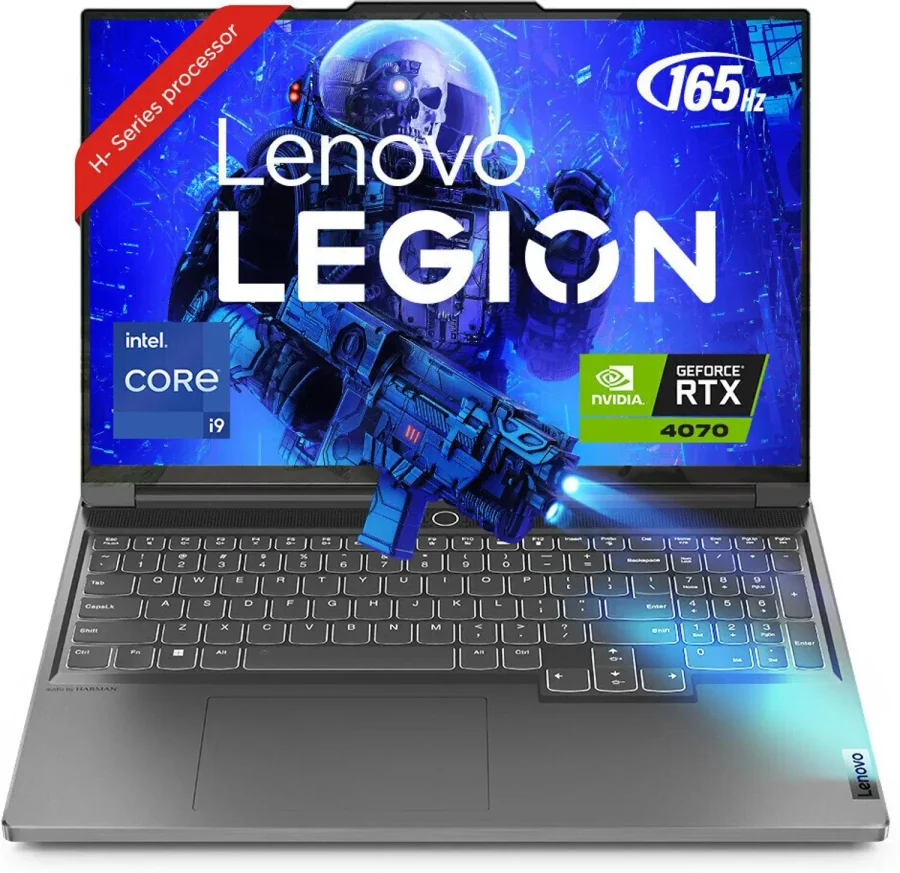
In-stock 165Hz laptops
Models showing 165Hz in their listing title and in stock in the snapshot.
UsedIn StockUsedIn StockUsedIn StockUsedIn StockUsedIn StockIn-stock 144Hz laptops
Models showing 144Hz in their listing title and in stock in the snapshot.
UsedIn StockUsedIn StockUsedIn StockUsedIn StockUsedIn StockFrequently Asked Questions
Will a 240Hz panel feel twice as smooth as 120Hz?
No — higher Hz yields diminishing returns. 240Hz can feel smoother than 120Hz, but only when the GPU delivers matching frame rates and you are sensitive to very small differences. For many users 144Hz or 165Hz already feels very responsive.
Which GPU should I prioritise for QHD 165Hz gaming?
Aim for GPUs in the stronger mid-to-high tier seen in the snapshot (for example configurations listing RTX 4060 or RTX 4070) to sustain high frame rates at QHD. Lower-tier GPUs will require reduced settings to reach similar FPS.
The snapshot lists panels in product titles — can that change on delivery?
Yes. The snapshot captures what was listed at the time it was taken; manufacturers may ship a model with alternate panel options. Confirm the exact panel on the live product page or ask the seller before ordering.
Do higher-refresh laptops always cost more?
Generally yes — higher-refresh panels are often bundled with stronger CPUs/GPUs and better cooling, which raises price. However, prices and availability in the snapshot vary by model, so compare specific listings to find value.
How important are thermals for high-refresh gaming?
Very important. Sustained high FPS depends on cooling performance. Prefer laptops with robust thermal designs if you plan extended gaming sessions, and check reviews or vendor notes about sustained performance for the exact SKU.
Short verdict
For competitive esports and the best value-to-performance trade-off choose 144Hz on a capable mid-range GPU. For a step up in visual quality plus smoothness choose QHD 165Hz with a stronger GPU. Reserve 240Hz for when you have a top-tier GPU and prioritise maximum responsiveness.
Always verify the exact panel and live stock on the product page before buying because the snapshot is a point-in-time capture and panel options can vary.
{"invalid":"placeholder"}